Mobile-Friendly Navigation
Browse main lobby areas, account pages, and support tools from a compact phone-focused interface.
 Register
The JDI777 App page helps Nepal users understand the Android download and installation process before they begin. It covers finding the official APK, checking installation permissions, signing in securely, exploring mobile account areas, handling updates carefully, and using casino-style entertainment with awareness of local rules, personal limits, and account safety.
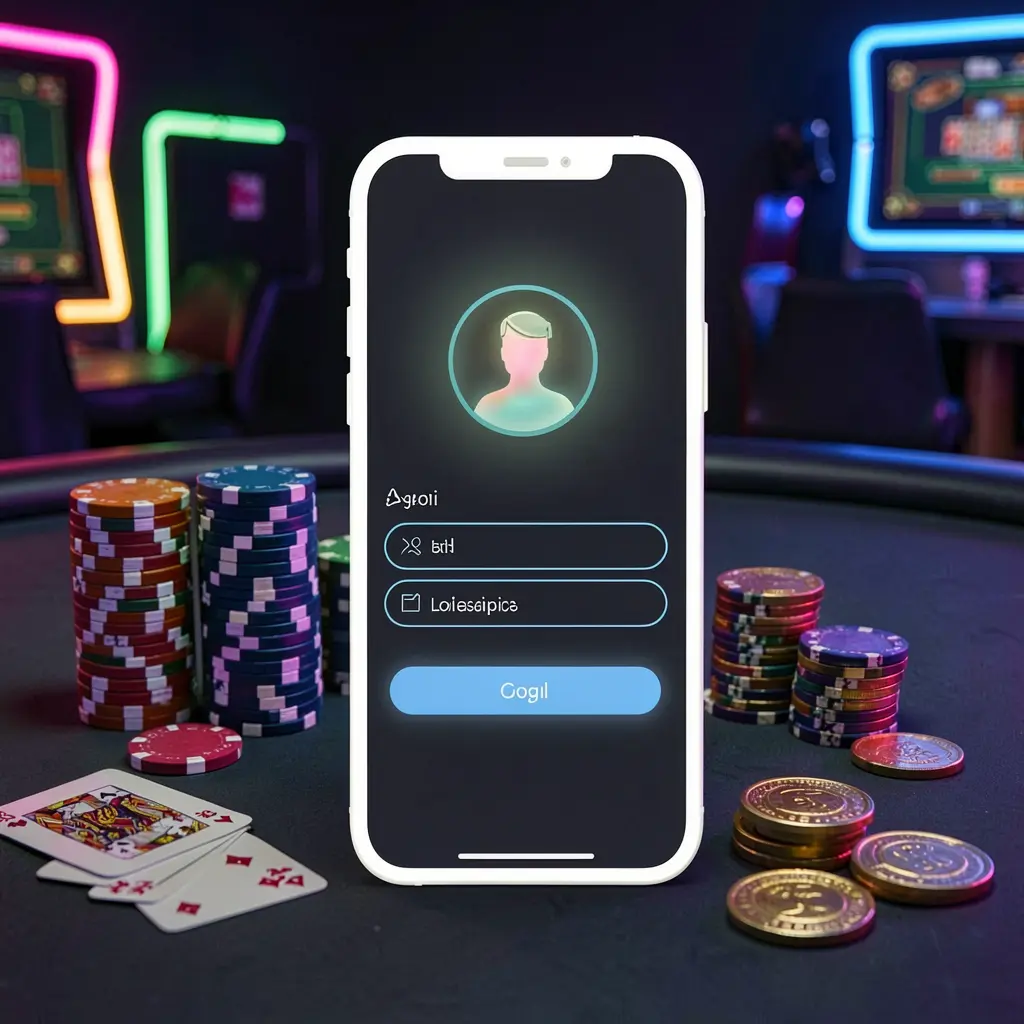
JDI777 App provides an app-style mobile route for Android users who prefer quick access without opening a browser for every visit. The mobile layout may bring together lobby categories, account settings, promotions, wallet pages, and support options in one place.
Before downloading any APK, users should confirm they are on the official JDI777 source. Checking the download page, file details, permissions, and account terms can reduce avoidable security issues during setup and later use.
JDI777 App is an Android access option for adult users seeking mobile navigation to entertainment sections, account tools, and information pages, where this type of activity is permitted under applicable local rules.
Browse main lobby areas, account pages, and support tools from a compact phone-focused interface.
Use the app to reach login, profile, password, and verification-related settings more conveniently.
Review available balance details, transaction records, and applicable payment conditions before taking action.
Use the official JDI777 page for updates rather than links from messages or file-sharing groups.
Downloading the JDI777 App on Android should begin with a careful source check. Avoid copied links and unknown APK websites, then review each installation prompt before allowing the app onto your device.
Visit the official JDI777 website using your Android browser and locate its App or APK section. Confirm the website address and branding before selecting a download option.
Choose the Android download button and wait for the APK file to save fully. Do not open incomplete downloads or similarly named files already stored on your phone.
Android may ask you to allow installation from your browser or file manager. Grant this permission only when necessary, then disable it again after the installation is complete.
Open the downloaded APK and follow the installation prompts. After launching JDI777 App, review account security, wallet information, terms, support channels, and responsible-use controls before continuing.
Once the app is installed, take time to review its settings before using any entertainment or wallet functions. A unique password, a private device, and careful handling of personal information all support safer account access.
Mobile access can make casino-style entertainment easier to reach, so it is important to decide on a budget and time limit in advance. Never treat gameplay as a way to solve money problems or recover losses.
Users in Nepal should check the current local legal position before accessing gambling-related services. Adults who feel pressure, stress, or loss of control should stop using the app and seek help from trusted support networks.
Answers to common questions about JDI777 App installation, Android safety, and responsible mobile use.
Use the App or APK section of the official JDI777 website. Avoid files shared through social media posts, private chats, or unfamiliar download pages.
Download the official APK, allow installation from your browser or file manager if Android requests it, then open the file and follow the displayed prompts.
Android restricts apps installed outside its standard store. Review the request carefully, allow it only for the current source if needed, and turn it off afterward.
Check the official JDI777 website for update instructions. Do not install update files sent by unverified contacts, groups, or accounts.
No. It should be used only by adults where legally permitted, and not by people experiencing financial pressure or difficulty controlling gambling-related activity.